.jpg)

 |
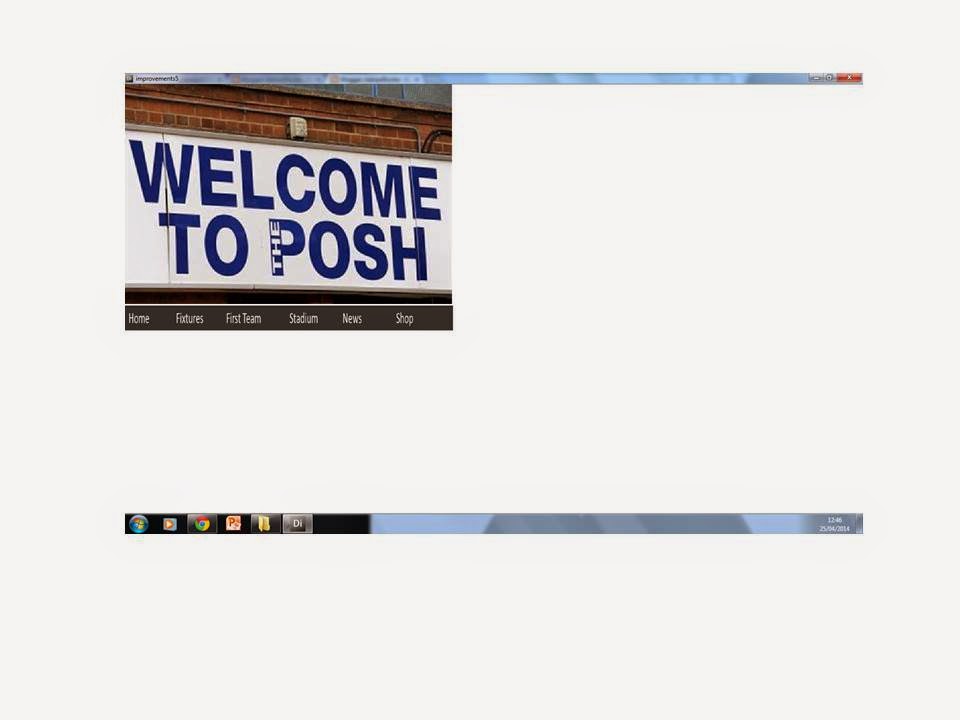
| I have kept the appearance the same but included animation on the text box to make it slide in from left to right. The words at the bottom are now also buttons/that take you to them pages. |
 |
| The left side of the fixtures come in from the left to this position and on the right it comes in from the right. Here the Peterborough fans can see the upcoming games and some past ones. |
 |
| The left side comes in from the left and the right comes up from the bottom. The team sheet can show fans what players have which numbers and who all the players are. |
 |
I have replaced the picture at the top
with a video of the stadium taken by me. This can show the stadium seating
areas and pricing for fans intending on attending a game.
|
 |
| I have put in transitions and the video at the bottom shows match highlights from the relevant game. |
 |
The top left text box comes in from the
left and the middle text box moves from the center to the right. Then the bottom text box
moves left from right. The shop allows for fans to purchase merchandise and
check the pricing for gifts or personal purchases.
|

 |
| The multimedia product will be informative to people, providing information regarding (In my case) Peterborough United Football Club. This will be aimed at people who have an interest in the club but will also be informative to people who are just interested in learning or checking up on them. It will need to be easy to use because I would like it to be accessible to all people and not just computer literate. |
 |
| To break up the information from being just text, I will include photos, videos and animation for the slides. Videos are more stimulating than seeing a wall of text and so I intend to use them to break it up a bit for the audience. Likewise, I will use images for the same reason. Also giving a visual to back up the written information. Text will make up the bulk of the information, making sure the colour of the font isn't too bright or too similar to the background will be vital otherwise some information will be unreadable. Using buttons and animations will make the multimedia more interesting and also make it more smooth and professional looking, creating a better experience for the audience. |
 |
| These features are the main ones that audiences would be interested in and can be full of information. |



.jpg)


